Convert TIFF to PDF Online
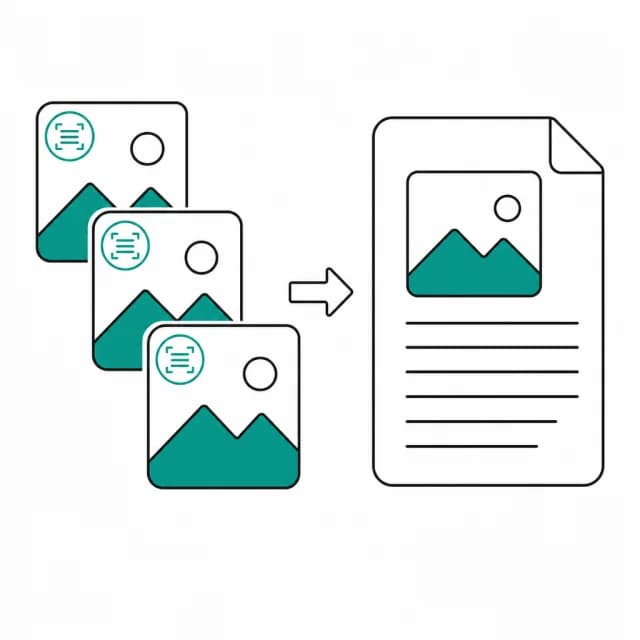
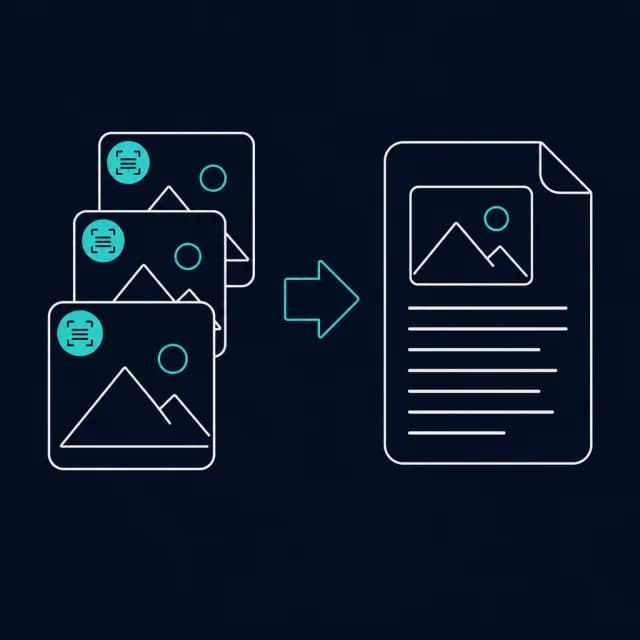
Turn single-page and multi-page TIFF scans into one ordered PDF, one PDF page per page in the file. Free, with decoding done on your device.
Drop TIFF files to convert
TIFF files only, including multi-page TIFFs; up to 20 files per PDF. Drag rows to reorder.
How are multi-page TIFF scans turned into PDF pages?
TIFF is what scanners, fax software and archive systems produce, and a single .tif file can hold a whole document. This page reads every page stored in each file and gives each its own PDF page, so a seven-page scan becomes a seven-page PDF without a splitting step first. Files are processed in queue order, and pages in the order they sit inside the file.
Decoding uses the utif library, which reads uncompressed data and the compressions common in scans, among them CCITT Group 3 and 4, LZW, JPEG, Deflate and PackBits. Each page is converted to a lossless PNG before the PDF is built, so no lossy step is added. Two properties of the format are not used. The resolution (DPI) tag is ignored, so a 300 dpi A4 scan measures 2480 by 3508 pixels and becomes a page of about 34.4 by 48.7 inches in 'Original size' mode. And the queue shows file names rather than thumbnails, because the tool does not generate TIFF previews.
Scanned contracts and records are exactly what should not be uploaded to convert, and here the decoding stays inside the tab.
How to convert TIFF to PDF
- Step 1
Add your scans
Drop .tif or .tiff files onto the upload area or choose them with Browse files. Each file is listed by name and size, with no preview.
- Step 2
Order the files
Move rows up or down. Files are used in list order, and the pages inside each file keep their own order.
- Step 3
Choose the page format
Use A4 or Letter (with a margin) for printable pages, or Original size to take the scan's pixel dimensions as points.
- Step 4
Decode and download
Press Convert to PDF. The result card shows the total page count, which can exceed the number of files. Download images.pdf.
Who ends up needing a TIFF to PDF conversion?
A flatbed scan saved as multi-page TIFF
Turn one scanner output file into a PDF that anyone can open and email.
Batch scans from an office scanner
Merge a run of single-page TIFFs into a single, ordered document.
Archive scans headed for sharing
Hand a colleague or client a PDF made from lossless archive images.
Fax-style black-and-white pages
Convert bilevel TIFF pages, which use CCITT compression, into a file a normal viewer opens.
TIFF to PDF limits and edge cases
- Up to 20 TIFF files per run (the other image pages allow 40). Extra files are dropped with a notice that only the first 20 were kept.
- Every readable page in a file becomes a PDF page. Entries in the file with no width or height are skipped, and a file with no readable page at all stops the run with an error.
- The decoder only covers the compression schemes it knows. A TIFF that uses something else may fail or come out wrong, and this tool cannot detect that for you; check the result.
- The DPI tag is not applied. 'Original size' maps one pixel to one point, so a 300 dpi A4 scan makes a page of about 34.4 by 48.7 inches. A4 or Letter fits the scan onto a normal sheet instead.
- All files are decoded together and every page is held in memory as a PNG, so a large multi-page scan can exhaust memory on a phone or an older laptop. Convert it in smaller batches if that happens.
- TIFF orientation metadata is not read, so pages are placed as the pixel data is stored.
Frequently asked questions
Does every page of a multi-page TIFF end up in the PDF?
Yes. All readable pages in each file become pages, in the order stored in the file. The result card then reports a page count that may be larger than the number of files you added.
Which TIFF compressions can it read?
The utif decoder behind this page handles uncompressed data plus CCITT Group 3 and 4, LZW, JPEG, Deflate and PackBits, among others. If a particular file fails or looks wrong, re-save the scan with a common compression such as LZW.
Why does a 300 dpi scan make such a huge page?
The tool does not read the TIFF's resolution tag. Original size sets one pixel to one PDF point, and an A4 scan at 300 dpi is 2480 by 3508 pixels, so the page is about 34.4 by 48.7 inches. Choose A4 or Letter to fit it to a normal sheet.
Is the scan quality kept?
Pages are decoded and stored as lossless PNG before the PDF is built, so this tool adds no lossy compression. The PDF can still be larger than a compressed TIFF.
Can I mix multi-page and single-page TIFFs in one PDF?
Yes. Files are used in queue order and each file's pages stay in their stored order, so you can combine a multi-page contract with loose single-page scans in one run.