Compress PDF Online
Shrink a PDF's file size with a quality level you choose — free and completely private.
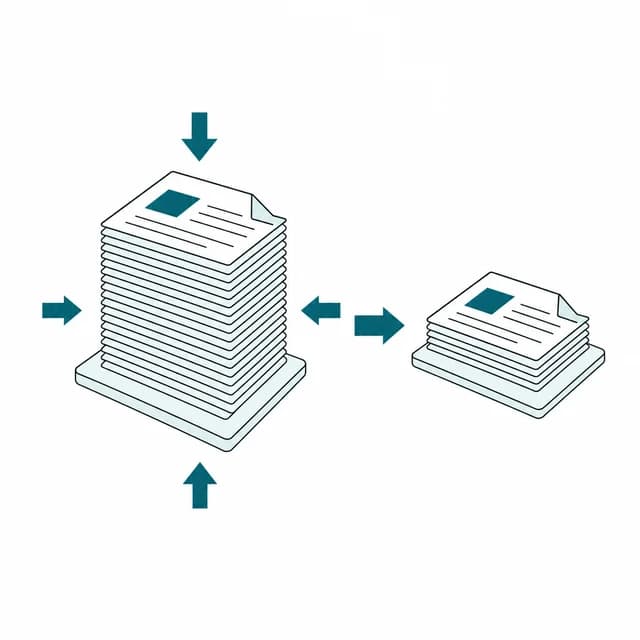
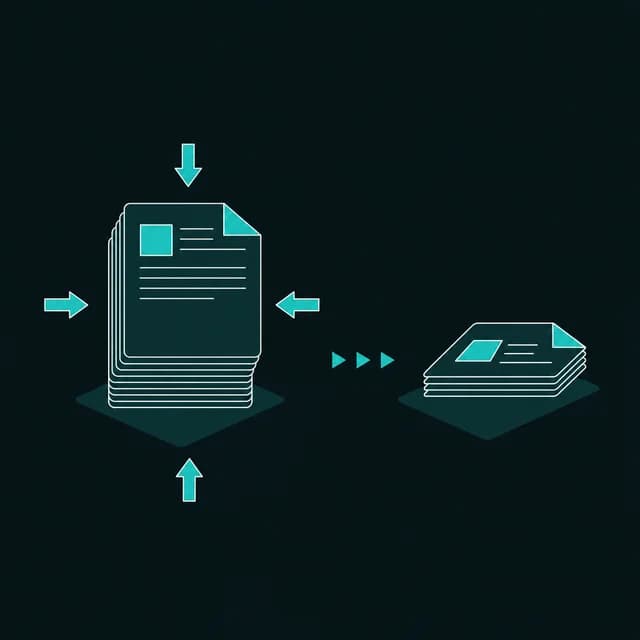
Need to go smaller? This tool runs in your browser, which limits how aggressively it can shrink very large or image-heavy PDFs. If the result is still too big, try the High level, or split the file into parts with Split PDF and compress each part separately. Very large files also depend on your device's memory, so closing other tabs can help.
Drop a PDF to compress
One PDF at a time. Pick a compression level once it's uploaded.
What do Low, Medium and High compression do?
PDFBell's compress PDF tool shrinks a file's size so it's easier to email, upload, or store, without you needing to understand PDF internals to do it. Pick a compression level — Low, Medium, or High — and the tool rebuilds the file accordingly, showing you the size before and after so you can see exactly how much you saved before downloading.
Compression runs in this browser tab and nothing is sent to a server. Low blanks the document properties (title, author, subject, keywords, creator, producer) and re-saves the file with a more compact internal structure; images are not recompressed, so text stays sharp and selectable but savings are modest. Medium and High redraw every page as a JPEG at a reduced scale and quality (Medium: 85% of the page's native size at JPEG quality 72%; High: 65% at quality 50%), which shrinks the file much further but turns the text into pixels.
The most common reason to compress a PDF is a size limit somewhere downstream: an email provider that rejects large attachments, a web form that caps uploads, or simply wanting a file that doesn't eat up storage. A scanned or photo-heavy PDF is usually the best candidate for a big reduction, since Medium or High can meaningfully shrink image content; a mostly-text document with few images may only see modest savings even at High, since there isn't much image weight left to remove.
This tool is built for quick, everyday compression rather than squeezing the absolute smallest file out of a huge batch. It handles one file at a time, and you choose a level, not a target size. Very large files depend on your browser's memory. If a file is still too big after High, try splitting it into smaller parts first, or remove pages you don't need before compressing.
How to compress a PDF
- Step 1
Upload your PDF
Drag and drop a PDF onto the upload area, or click Browse files to pick it from your device.
- Step 2
Choose a compression level
Pick Low for a lossless-style save, or Medium/High for bigger reductions via page rasterizing.
- Step 3
Compress the file
Click Compress PDF. Low finishes quickly; Medium and High render every page one after another, with a progress bar.
- Step 4
Check the savings and download
Compare the before-and-after file size, then download once the ding! plays.
When is compressing a PDF worth it?
Fit under an email attachment limit
Shrink a report or scanned document enough to clear a mail provider's size cap.
Meet a web form's upload limit
Compress a PDF so it fits under a job application, government portal, or webform's file-size cap.
Shrink a scanned or photo-heavy PDF
Reduce a document built from scanned pages or photos, where images make up most of the file size.
Free up storage space
Keep an archive of PDFs smaller without deleting any of the documents themselves.
Compress PDF limits and edge cases
- Low does not touch images. It blanks the document properties and re-saves with a more compact structure, so a file that is mostly photos or scans may barely shrink, and the result is not guaranteed to be smaller.
- Medium and High turn each page into a picture: text is no longer selectable or searchable, and links, bookmarks and form fields are lost. Page dimensions stay the same; only the resolution drops, to about 61 and 47 DPI (85% and 65% of the 72-point-per-inch native size), which is fine for reading on screen but soft for printing.
- You pick a level, not a size. There is no "under 2 MB" option, and the tool does not compare sizes for you before you download: check the before and after sizes shown and keep the original if the new file is not smaller.
- Medium and High render every page, so they take noticeably longer than Low on long documents. One file at a time; very large files depend on your device's memory.
- A PDF that needs a password to open is rejected. A PDF that opens without a password but carries editing restrictions (a permissions password) is refused with a clear message on Low, because PDFBell cannot decrypt files and the rewritten copy would be blank or unreadable; Medium and High re-render the pages, so they still work on such a file.
Frequently asked questions
Which level should I pick?
Start with Low if you need text to stay selectable. Try Medium or High if you need a much smaller file and don't mind pages becoming images.
Why is my text no longer selectable after compressing?
Medium and High redraw each page as a compressed image to shrink the file further, which trades away selectable text for a smaller size. Use Low to keep text selectable.
Why didn't my file get much smaller?
A mostly-text PDF with few images has little to compress even at High — image-heavy or scanned PDFs typically see the largest size reductions. Low only trims metadata and re-saves the structure, so it rarely changes the size much.
Can I compress to a specific size, like 2 MB?
No. You choose Low, Medium or High and the tool shows the resulting size; it cannot aim for a target. If High is not small enough, split the file or remove pages you don't need first.
Can the compressed file end up larger than the original?
It can, for example when a file is already compact. The tool shows the before and after sizes, so compare them and keep the original if the new file is not smaller.